
Your workspace has its own email address. Anything your team forwards there becomes an email canvas, titled from the subject line without the “Fwd:”.
Find your workspace address
It’s in Settings, under General, as Workspace email. The Create an email canvas window shows it too. It is named after your workspace and keeps that name if you rename the workspace.
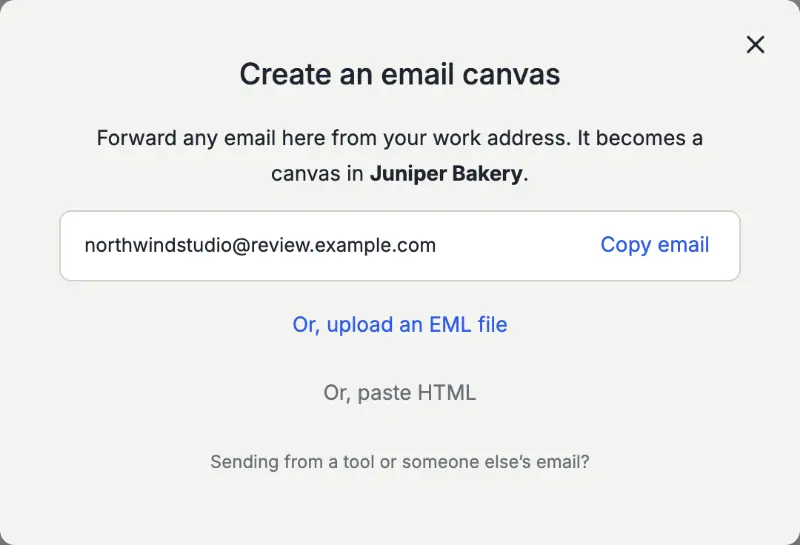
Forward an email
- Forward the email from your own work address, the one on your Agentic Edit account.
- If you have the Create an email canvas window open, the new canvas opens as soon as the email arrives. Otherwise, find it in the project.
It lands in the project where you last opened that window. If you never have, it goes to the newest project you can open.
Sending from a tool, or from someone else
Tools like Klaviyo or Mailchimp can’t prove they are you, and neither can someone outside your team. Use the project’s private address instead: in the window, choose Sending from a tool or someone else’s email?
If you don’t see an address
The window only offers upload and paste when your installation isn’t set up to receive mail. If your email bounced instead, the message says why. See A forwarded email was refused.