
Website reviews
Add a website and invite your client to review it. Give every project its own place for feedback, with the website keeping its own hosting, forms and database.
Works with your existing websiteReview websites, images, PDFs, videos and emails in private canvases. Point to the detail, add a comment and keep the conversation with the work, from first look to the next version.
Start with one canvas. Group related work in a project whenever you need to.
Browse the page, point to a detail and mark up its screenshot.
Keep design feedback and visual references beside the image.
Review documents page by page, with comments in context.
Leave feedback at the moment that needs attention.
Review the email itself, with the conversation in one place.
Turn client feedback into clear tasks, from the first review to the final edit.

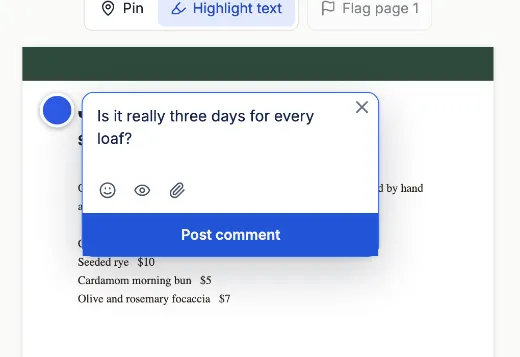

Add a website and invite your client to review it. Give every project its own place for feedback, with the website keeping its own hosting, forms and database.
Works with your existing websiteClients capture the page, pin a comment, draw or add a reference. Your agency receives the submitted requests together, with the original capture kept alongside.
Touch-friendly annotation toolsDrafts autosave while reviewers work. A draft belongs to the person writing it; Finish review submits the ready drafts and unfinished requests stay private.
Private until you submitA review experience that feels at home on your phone. Browse the site, mark up a capture, and submit your thoughts with room to work.
Made for mobile, tooBrowse the live website, point out the detail, and keep moving. Your feedback stays together in the project.
How to leave feedbackAnnotations request changes. Agentic Edit has no website publishing or repository credentials.
Websites, images, PDFs, videos and emails. Each canvas keeps its feedback with the work. You can create a canvas on its own, organize related canvases in a project, and share just one canvas with a guest.
No. Add the website URL to a project. Reviewers browse it in a private review session, so the website can keep its own hosting, forms and database.
Yes. Reviewers can browse, capture a page, draw, pin a comment, add text and attach reference files on mobile or desktop. Drafts autosave while they work.
Submitting feedback requests a change. Your team or coding assistant implements it in the code project, and you review the result before publishing.
One place for the request. A shared understanding of what comes next.