





Choose the project scope
Choose the projects the assistant can read, such as one client’s website and its file canvases. Revoke the connection in AI settings to stop future access.
Revocable from your workspaceAsk ChatGPT, Claude or another assistant to summarize your clients’ notes and screenshots. In workspaces with website hosting, it can also change a website hosted in Agentic Edit and show you a private preview. A coding agent can work in a repository you open.
Choose one website, every website or only feedback. You can also allow the assistant to reply to feedback and report which changes it tested.
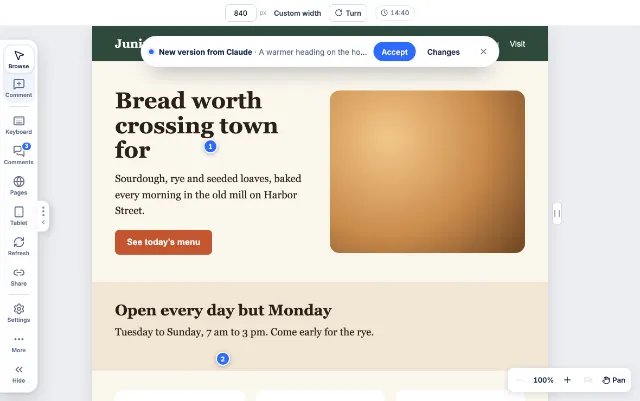
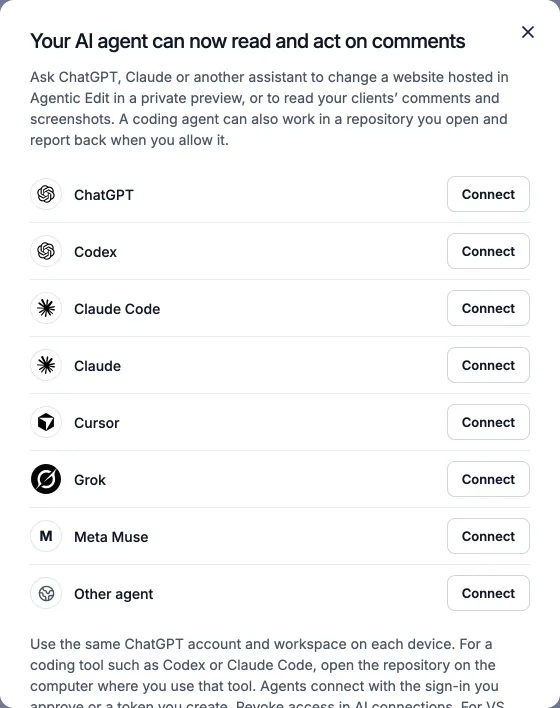
Choose the projects the assistant can read, such as one client’s website and its file canvases. Revoke the connection in AI settings to stop future access.
Revocable from your workspaceWithout a connection, download the submitted feedback, original screenshots and annotations as a package and bring it to the coding tool of your choice.
Download feedback guideYou add Agentic Edit to your assistant and sign in. On Agentic Edit’s approval page you choose the workspace, what it may do there, such as editing websites or reading feedback, and how long access lasts. A change to a hosted website stays in a private preview until someone allowed to publish does.
The connection grants access to the submitted review context for the projects you approve. Repository credentials and implementation authority belong to your separately authorized coding environment. Agentic Edit does not acquire them from your website address.
It records what the coding client reports: the change, validation, and any branch, commit, or preview details it supplies. Agentic Edit does not independently certify those tests. Your team reviews the evidence and the result.
One place for the request. A shared understanding of what comes next.